Compliance Management
Guide and Track Compliance with Confidence
Proofyx Compliance Management guides you through requirements and controls with clear pass/fail visibility, backed by verifiable evidence.
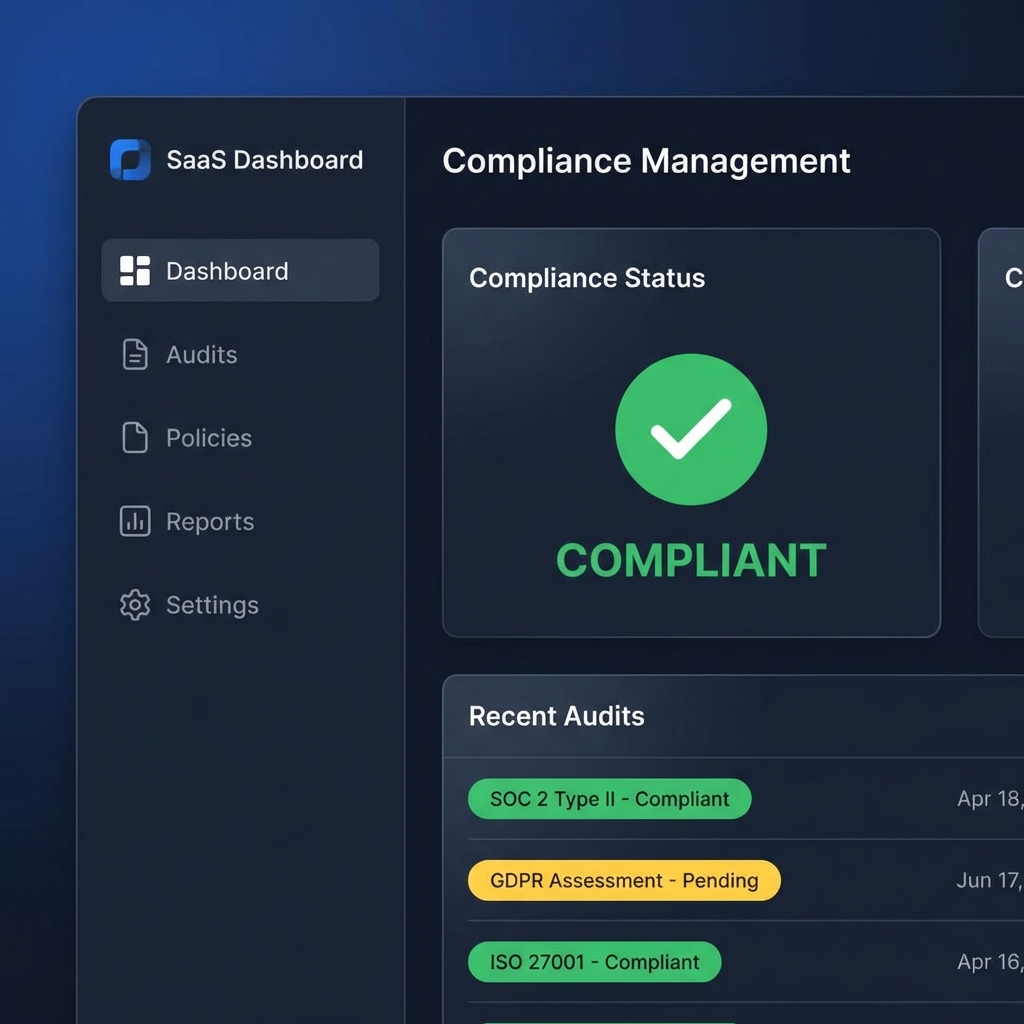
Proofyx Compliance Management guides you through requirements and controls with clear pass/fail visibility, backed by verifiable evidence.
Compliance Management provides a structured approach to guiding and tracking compliance requirements, implementing controls, and maintaining the evidence needed for audits.
Proofyx Compliance Management currently focuses on CMMC 2.0 Level 1 and Level 2, with architecture designed to support additional frameworks in the future.
Track requirements aligned to CMMC 2.0 Level 1 and Level 2. Map your controls to specific requirements and monitor progress.
Document how each requirement is met. Track implementation status and attach supporting evidence.
Architecture supports future frameworks. CMMC is the starting point, not the limit.
Compliance is not complete until you can prove it. Every control in Proofyx requires evidence.
Upload documents, screenshots, or logs directly to each control. Evidence is versioned and timestamped.
Every change to compliance status is logged with who made the change, when, and why. No retroactive edits.
Controls can require attestation from responsible parties. Approvals are logged and become part of the audit trail.
Reports show not just status, but the evidence that supports each claim. Assessors can verify independently.
Start with CMMC 2.0. Requirements are organized by level and domain to keep implementation clear.
Document how each requirement is met in your environment. Assign owners and set implementation status.
Upload supporting documentation, logs, screenshots, or attestations for each control.
Monitor compliance status in real-time. Green means compliant, red means action required.
Create audit-ready reports that show current status, evidence, and complete history for assessors.
Start building audit-ready proof for your compliance requirements.
Launch Compliance App